

















Private Instagram Downloader

Save photos, videos, and Reels from private Instagram accounts that you follow, without sharing your password.

2. Copy the page source

Secure view-source workflow · No password required

Save Private Instagram Posts You Follow

Private Instagram accounts can only be viewed by approved followers. SnapVideo Private Instagram Downloader provides a secure way to save photos, videos, and Reels from accounts you already follow, without asking for your Instagram login or password.

By opening the post in your logged-in browser and copying the page source HTML, our tool locates the media stream that Instagram already delivered to your session.
How to Download Private Instagram Posts

Save posts from private accounts you follow in three steps:
Paste the private post link
1

Paste the private post link

Enter the link of the private post into Field 1 above, then copy the generated page viewer link in Field 2.
Copy the page source
2

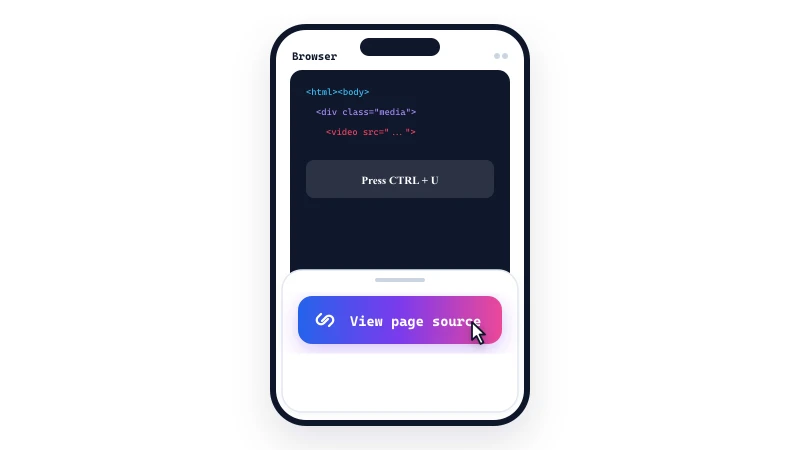
Copy the page source

Open the generated link in a new browser tab where you are logged into Instagram. Select all the text on the page (Ctrl+A or Cmd+A) and copy it (Ctrl+C or Cmd+C).
Paste HTML and extract
3

Paste HTML and extract

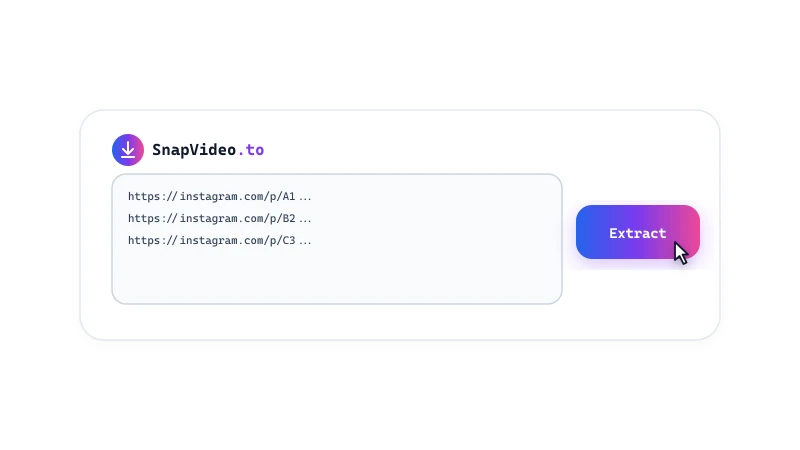
Paste the copied HTML into Field 3 above and click Extract to get direct download buttons for your photo or video.

Private Downloader Features

  • No password required: You never share your Instagram login credentials, passwords, or personal account tokens with our website.
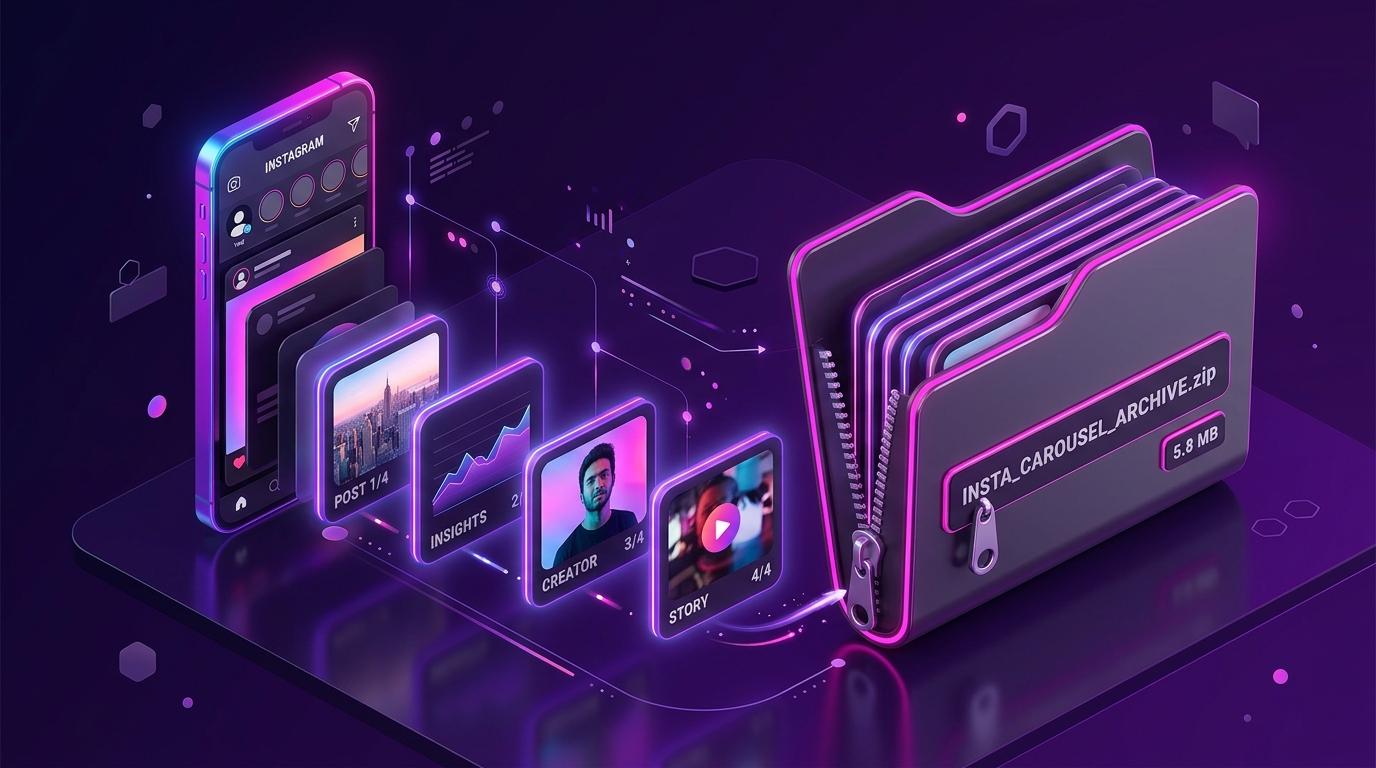
  • Reels, videos, and photos: Extracts standard feed videos, vertical Reels, single photos, and carousel albums from accounts you follow.
  • Direct media extraction: Parses the media links already loaded in your authorized browser session to save files in standard MP4 and JPEG formats.

How the view-source method works

Instagram only sends private post media to accounts approved to follow the creator. Tools that claim to 'hack' or 'download from private profiles without following them' do not work.

SnapVideo uses a transparent view-source workflow. When you view a post you follow, Instagram delivers the image or video stream to your browser. By pasting that page HTML, our decoder identifies the media files already sent to your session, without needing your account password.
Frequently Asked Questions

Can I download posts from a private account I do not follow?

No. Instagram only sends media to approved followers. You must follow the private account and be logged into Instagram in your browser to view the post and access its page source.

Is it safe to paste page source HTML?

Yes. The page source contains the public HTML markup and media links that Instagram loaded for the post. It does not expose your password or personal account details.

Why does the page source show 'Login required'?

If the source window prompts you to log in, you are not signed into Instagram on that browser. Log into Instagram in the same browser and try again.

Can I download private Instagram Stories?

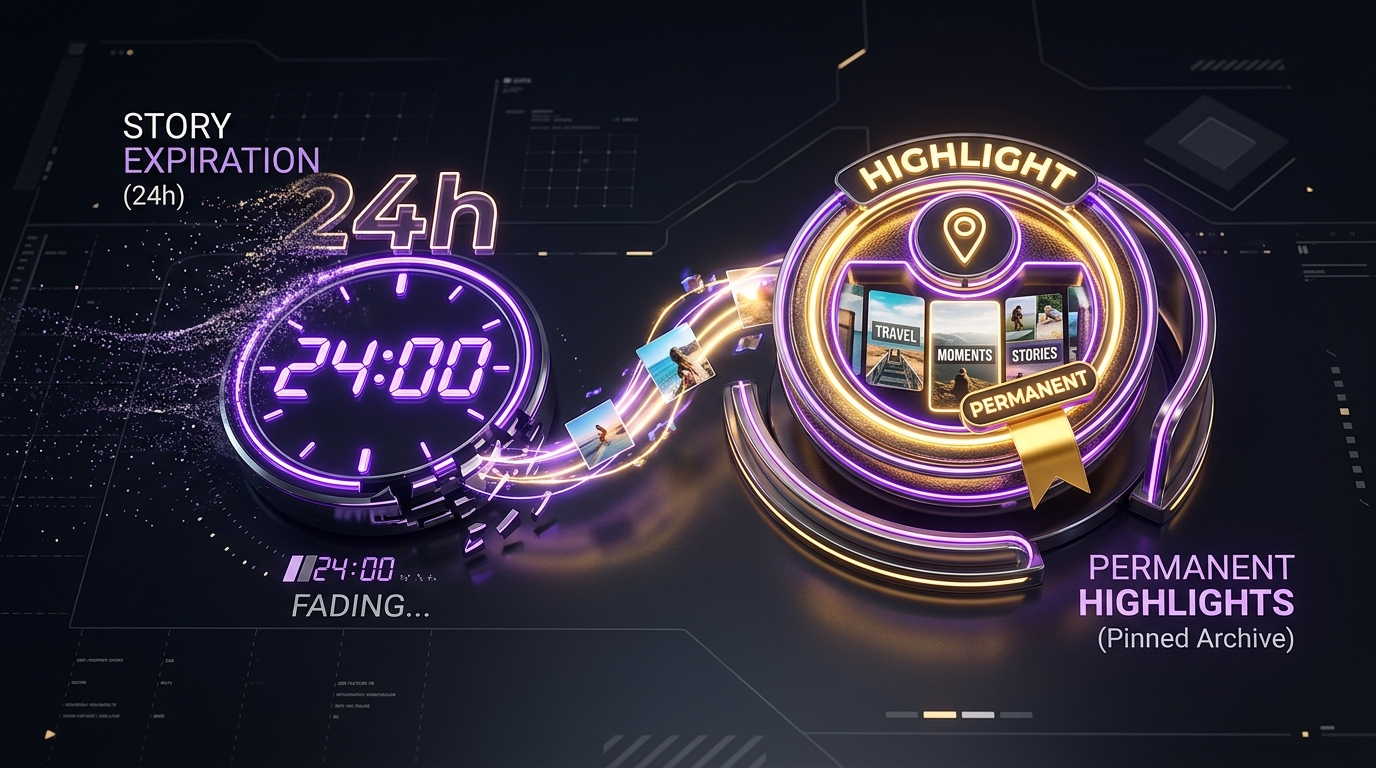
Private Stories can only be processed if you open the specific Story frame in your browser while logged in and copy its active source code before the 24-hour window expires.

Does Instagram notify the creator when I download a private post?

Instagram does not send download notifications, and SnapVideo does not connect to your Instagram account. However, platform tracking rules can change, so we cannot guarantee complete anonymity.

Can I use this tool on a phone?

Yes, but selecting and copying large amounts of HTML source code is much easier on a desktop computer with a keyboard (Ctrl+A and Ctrl+C). On mobile, we recommend using a desktop-class browser.

How do I download public posts?

For public Instagram posts, you do not need to use page source. Simply use our universal Instagram Downloader tool and paste the post link directly.

Instagram download guides