

















Instagram Reels Downloader

Save vertical Instagram Reels in HD MP4 with original audio. Paste any public Reel link to download it directly to your device.

Free · Vertical 9:16 MP4 · Original sound included

Save Instagram Reels with Original Audio

SnapVideo Instagram Reels Downloader lets you save public short-form vertical videos directly to your smartphone, tablet, or desktop in standard MP4 format. When you use Instagram's built-in save option, videos often come with creator watermarks or muted audio.

SnapVideo retrieves the public video stream with its synchronized sound intact, without adding extra watermarks or reducing video dimensions.
How to Download Instagram Reels

Save any public Reel to your phone or computer in three steps:
Copy the Reel link
1

Copy the Reel link

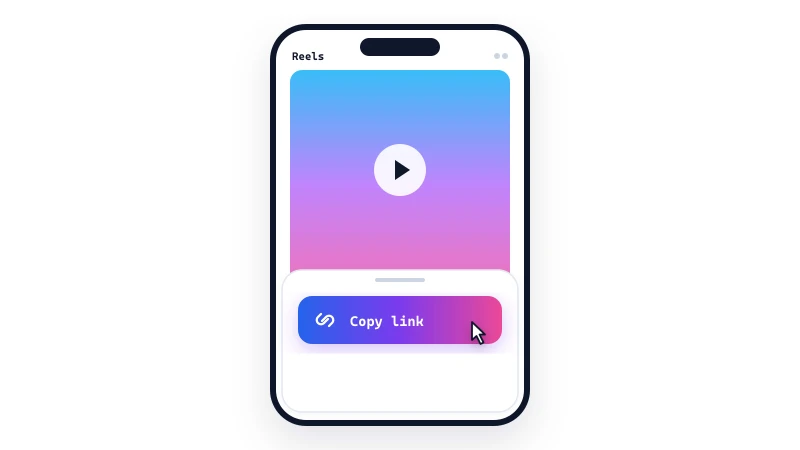
Open Instagram, navigate to the Reel you want to keep, tap the Share icon, and select 'Copy link'.
Paste into SnapVideo
2

Paste into SnapVideo

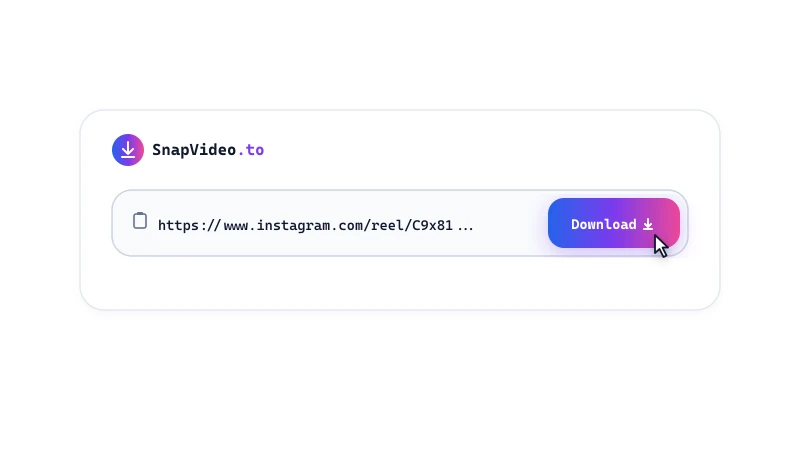
Open SnapVideo in your browser, paste the Reel link into the input box above, and click Download.
Save your MP4 video
3

Save your MP4 video

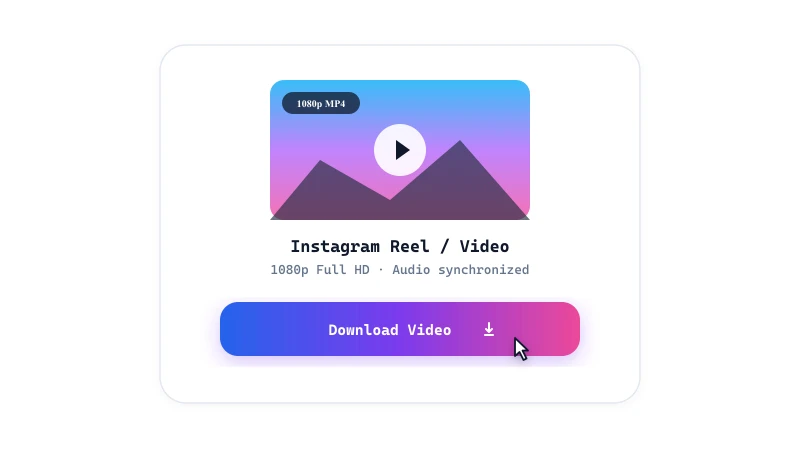
Review the video preview card and click 'Download video' to save the vertical MP4 file directly to your device.

Reels Downloader Features

  • No watermark added: SnapVideo downloads the clean MP4 video without adding any website logos or overlay watermarks.
  • Original audio track: Preserves the synchronized sound, music, or voiceover that accompanies the public Reel.
  • Vertical 9:16 HD: Keeps the native vertical aspect ratio, making downloaded Reels ready for full-screen playback on mobile screens.

Saving Reels to your photo gallery

On Android and computers, downloaded MP4 files save directly to your default Downloads folder and appear in your gallery app.

On iPhone and iPad, Safari stores downloads in the Files app. Open Files, tap your downloaded Reel, tap Share, and select 'Save Video' to add it to your Photos library.
Frequently Asked Questions

Does SnapVideo add a watermark to downloaded Reels?

No. SnapVideo does not add watermarks, logos, or username overlays to your downloaded video.

Why does a downloaded Reel have no audio?

Some Reels are published without sound, or the music track may be restricted by region due to licensing agreements. If the audio is playable on Instagram web, SnapVideo will include that audio stream in your file.

Can I download Instagram Reels on my computer?

Yes. SnapVideo works directly in modern desktop browsers (Chrome, Edge, Firefox, Safari) on Windows, Mac, and Linux. The MP4 file downloads straight to your Downloads folder.

Is SnapVideo free to use for Reels?

Yes, SnapVideo is free to use with no subscription, account creation, or payment required.

Can I save Reels from a private profile?

No. This tool only downloads publicly accessible Instagram Reels. Private account posts cannot be reached by the public downloader.

Can I download Remix or Collab Reels?

Yes, provided the Remix or Collab Reel is posted on a public profile, SnapVideo can process the link and download the full video.

How do I download multiple Reels at once?

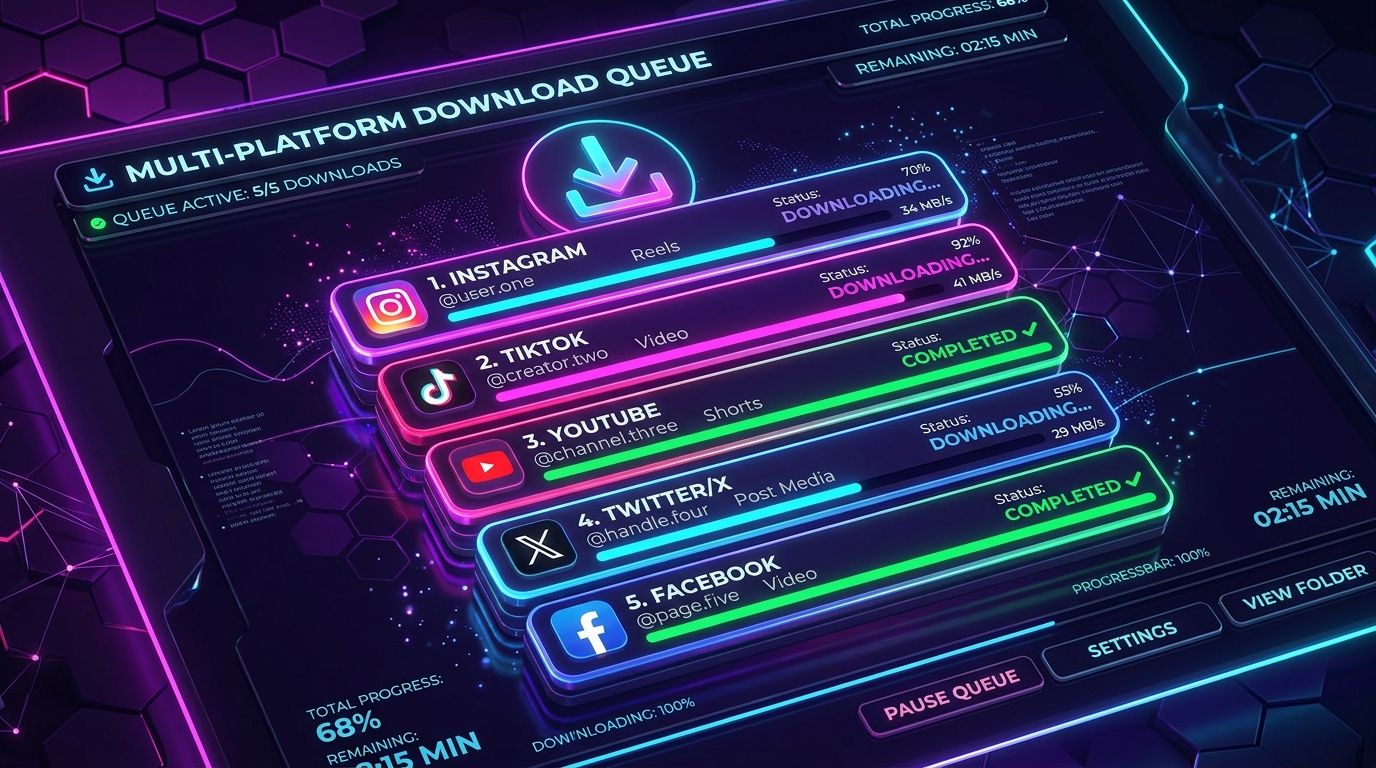
You can paste up to five separate Reel links at once using our Instagram Bulk Downloader mode to process them together in one queue.

Instagram download guides