

















Instagram Story Downloader
Save photos and video clips from public Instagram Stories before the 24-hour expiration window closes.
Save Public Instagram Stories Before They Expire
Instagram Stories disappear permanently after 24 hours unless saved to Highlights. SnapVideo Instagram Story Downloader lets you save active photos and video clips from public accounts directly to your device for personal offline viewing.
Simply paste a public Story link or username above to view and download available slides before they expire. No account connection or software installation is required.
How to Download Instagram Stories

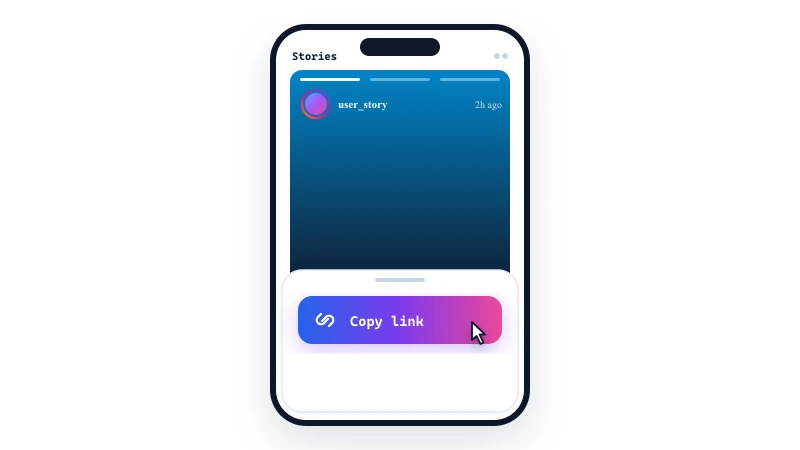
Copy Story link or username

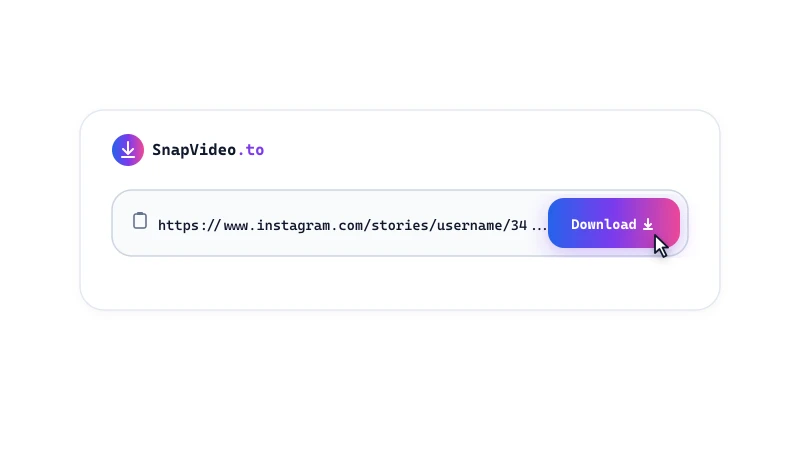
Paste into SnapVideo

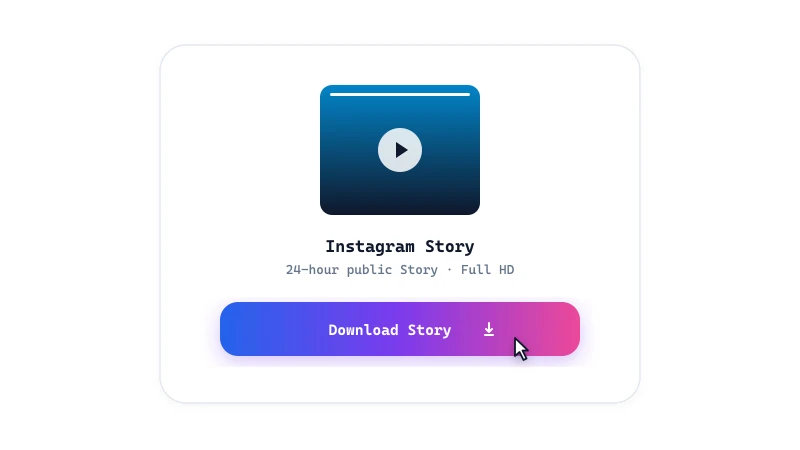
Save photos or videos
Story Saver Features
- High-resolution media: Downloads photos in crisp JPEG resolution and video clips in MP4 format with synchronized sound.
- No account required: SnapVideo does not require you to sign into Instagram to download media from public accounts.
- Audio preservation: Video Stories that include spoken audio or background sound are saved with their original audio track.
- Permanent Story Highlights: Looking to download archived stories saved to a profile? Use our dedicated Highlights tool.
- Universal downloader: Need to save feed videos, Reels, or carousel albums? Explore our all-in-one downloader.
Saving Stories to your photo library
On Android and computers, downloaded Story files save directly to your default Downloads folder.
On iPhone and iPad, Safari downloads files into the Files app under Downloads. Open Files, tap your downloaded video or photo, tap the Share icon, and select 'Save Video' or 'Save Image' to transfer it to your Photos app.
Frequently Asked Questions
Can I download expired Stories older than 24 hours?
Why does SnapVideo show 'No active stories found'?
Can I download Stories with music and sound?
How do I save a downloaded Story to my iPhone Photos app?
Can I download all active Stories from a profile?
Can I download Stories from private Instagram accounts?
Is SnapVideo Story Downloader free to use?
Download tools
Instagram download guides

How to Download All Photos and Videos from Instagram Carousel Posts
Save every slide from multi-image Instagram carousels in one click. Learn how to extract up to 20 photos and videos as a single ZIP archive or individual files.

How to Download Expired Instagram Stories and Highlights
Understand the 24-hour Story expiration timeline and learn how to save archived Story Highlights from public Instagram profiles before they are gone.

How to Download Multiple Instagram Posts in Batch: 5-Link Guide
Save time by downloading up to 5 Instagram posts, Reels, and photos simultaneously in one batch. Learn how to queue links and organize bulk downloads.