







Can I view the profile picture of a private account?
Yes. Profile photos on Instagram are always publicly viewable, even if the account's feed and Stories are private. SnapVideo can retrieve the avatar for any valid username.
View and save full-size Instagram profile photos in high resolution by username or profile link.
Instagram does not let users tap to enlarge profile avatars in the official app, keeping them locked in small circular previews. SnapVideo Instagram Profile Picture Downloader extracts the full-size uploaded image from public profile data.
Enter any Instagram username or profile link above to view the uncropped avatar in its best available resolution and save it directly to your device.
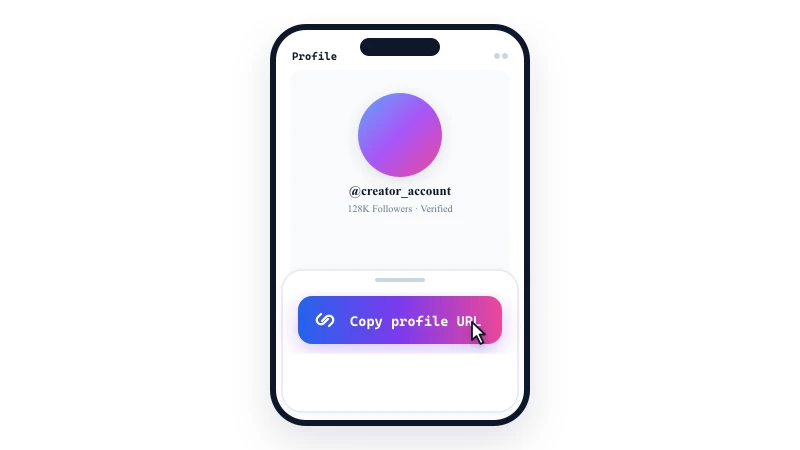
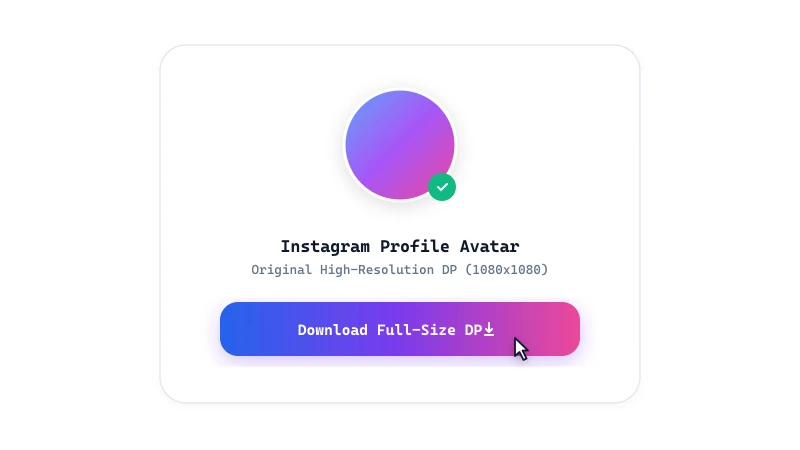
Instagram displays profile avatars inside a small circular frame to fit mobile navigation bars. When an avatar is uploaded, Instagram keeps higher-resolution versions on its servers.
SnapVideo locates the highest-resolution asset available for that profile so you can inspect the full uncropped picture clearly.
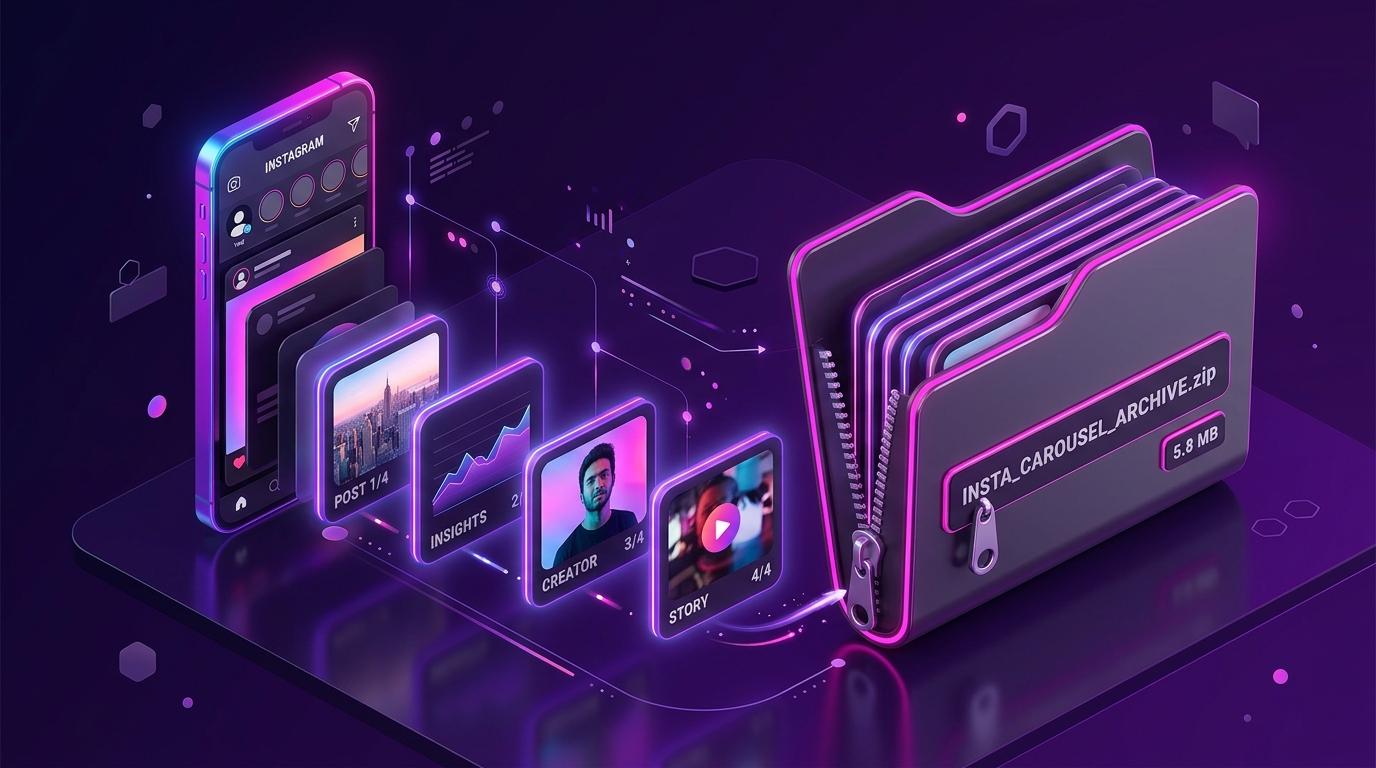
Save every slide from multi-image Instagram carousels in one click. Learn how to extract up to 20 photos and videos as a single ZIP archive or individual files.
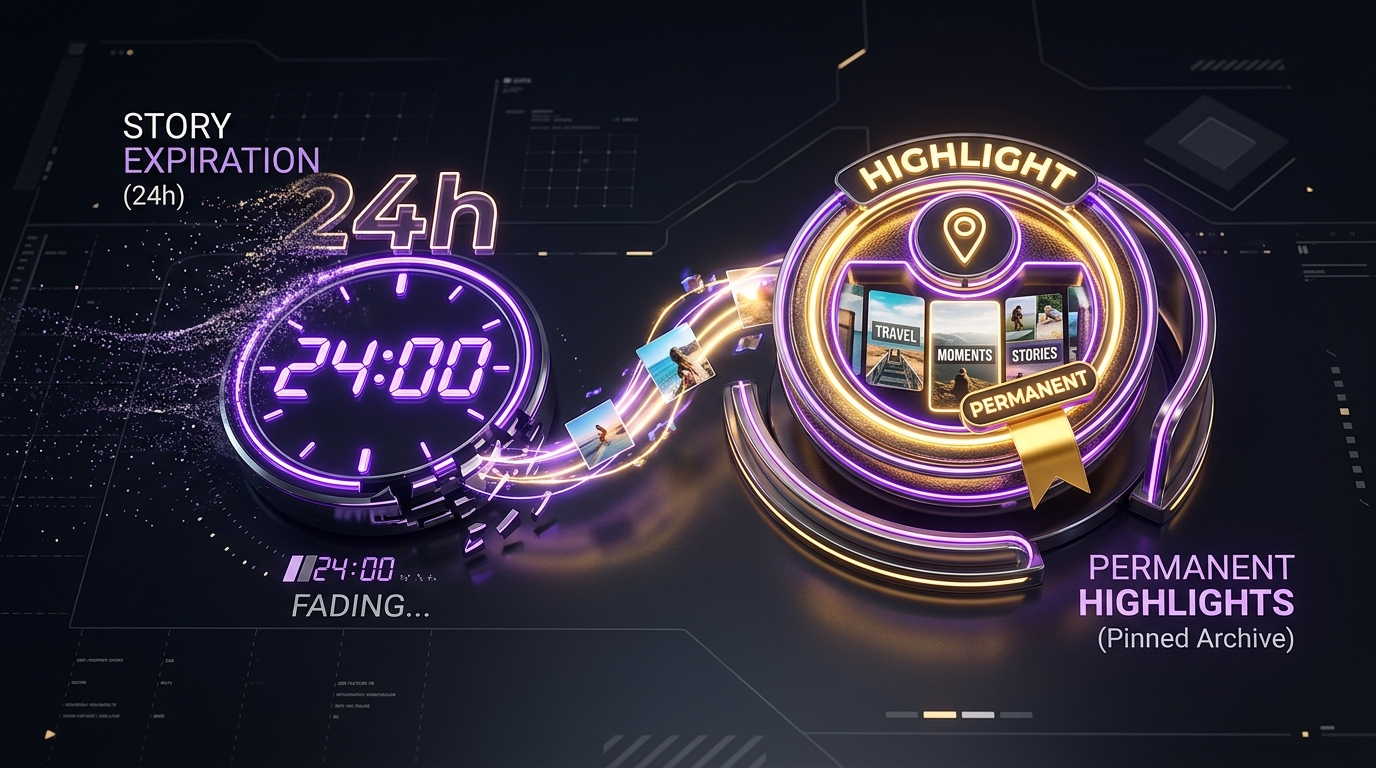
Understand the 24-hour Story expiration timeline and learn how to save archived Story Highlights from public Instagram profiles before they are gone.
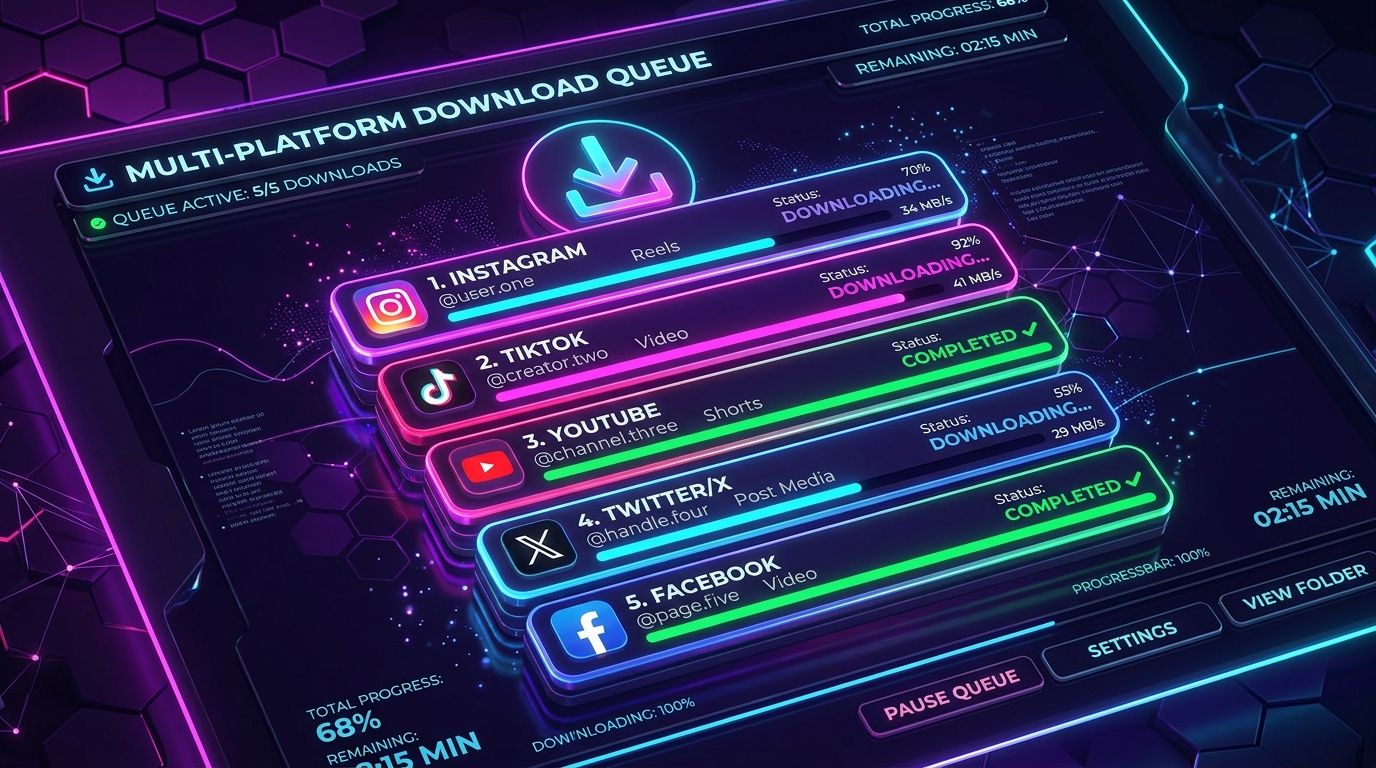
Save time by downloading up to 5 Instagram posts, Reels, and photos simultaneously in one batch. Learn how to queue links and organize bulk downloads.