















Instagram Highlights Downloader

Save photos and video clips from public Instagram Story Highlights directly to your phone, tablet, or PC.

Free · Save Highlight reels & covers · No login

Save Instagram Highlights to Your Device

Instagram Highlights let creators preserve their best Stories permanently at the top of their profile. SnapVideo Instagram Highlights Downloader makes it simple to save these archived story reels, video clips, and photos directly to your device.

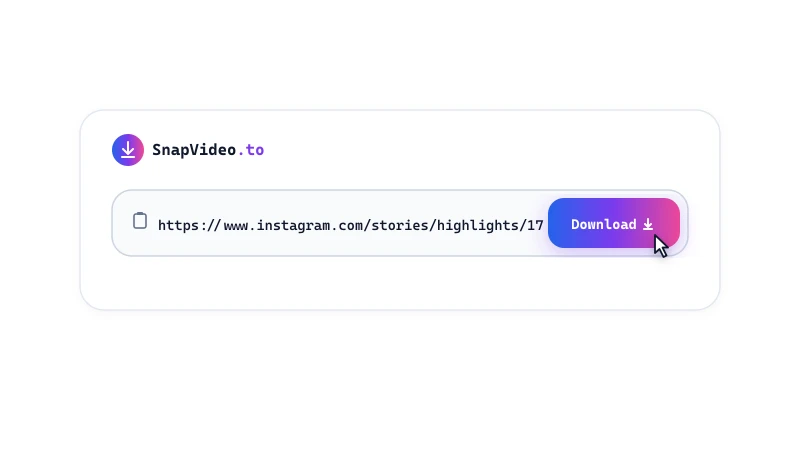
Simply paste a public Highlight link or account username above to explore available albums and download individual photos and videos without installing an app.

How to Download Instagram Highlights

Save public Highlight albums to your phone or computer in three steps:
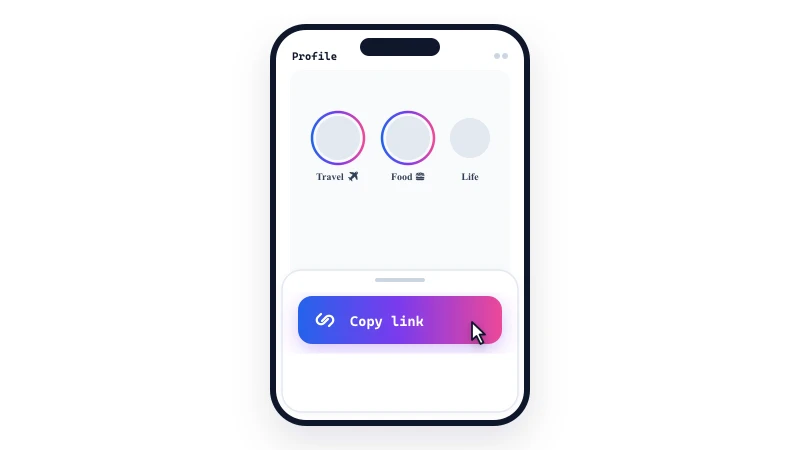
Copy the Highlight link
1

Copy the Highlight link

Open Instagram, navigate to the public profile, tap on the Highlight album you want to save, and select 'Copy link'.
Paste into SnapVideo
2

Paste into SnapVideo

Open SnapVideo in your browser, paste the Highlight link or username into the search box above, and click Download.
Download your files
3

Download your files

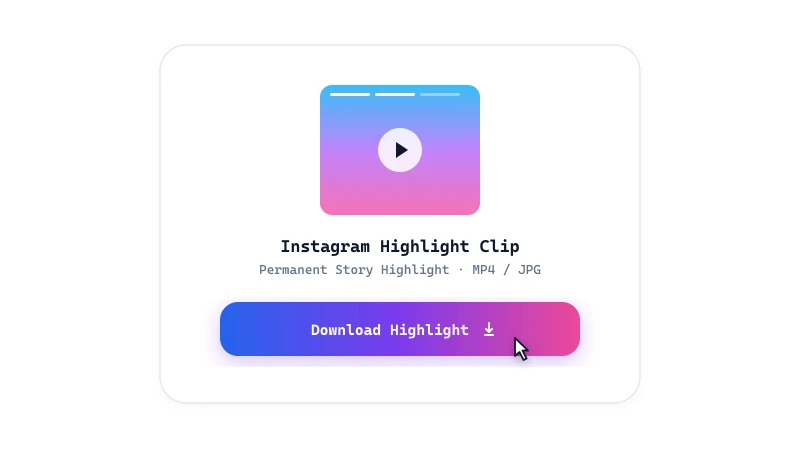
Preview the extracted photo and video slides, then click 'Download video' or 'Download image' to save them to your device.

Highlights Downloader Features

  • Permanent story access: Download curated story albums that creators have pinned to their public profiles, even long after the 24-hour mark.
  • HD video and photos: Retrieves vertical MP4 videos with synchronized sound and full-resolution JPEG photos as stored on Instagram.
  • Highlight cover extraction: Easily view and save custom Highlight cover icons and artwork at full resolution.

Understanding 24-hour Stories vs Story Highlights

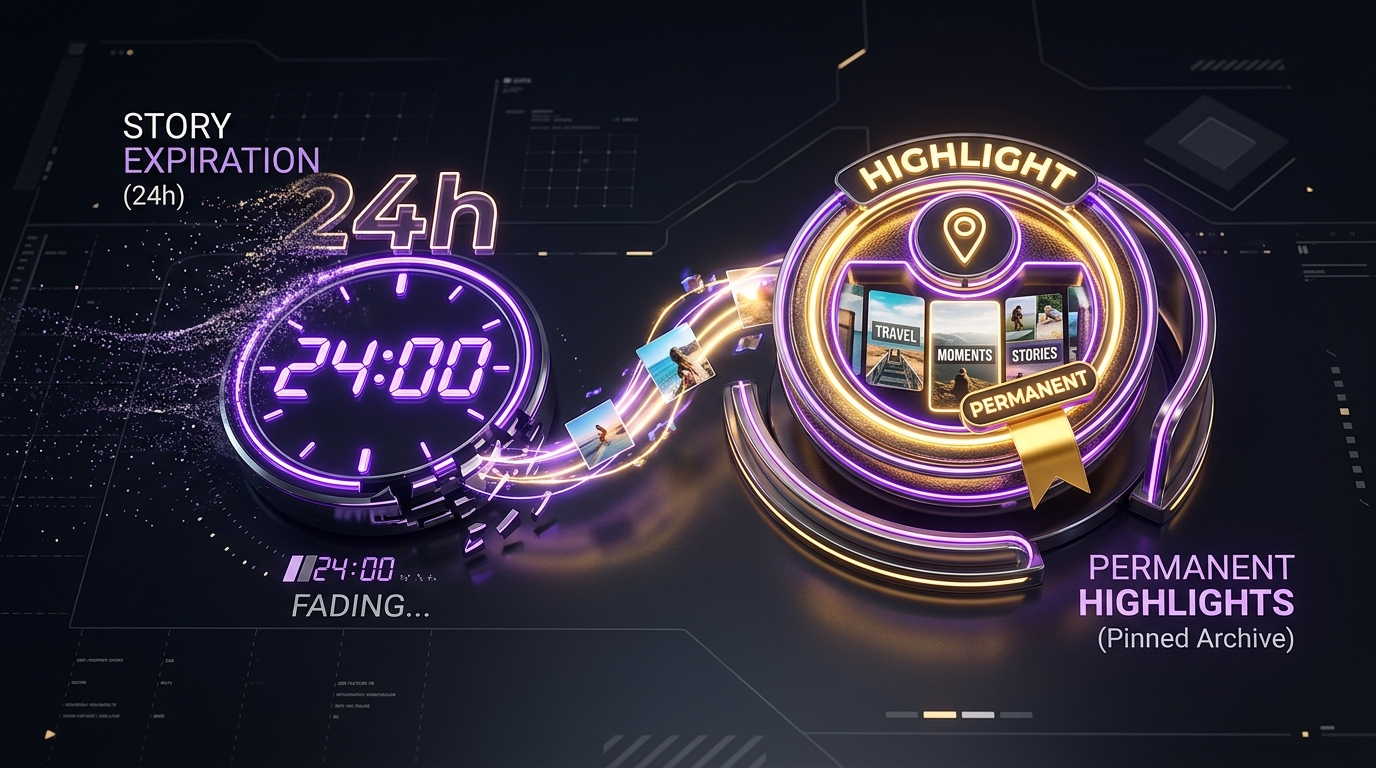
Standard Instagram Stories vanish after 24 hours unless the creator pins them to their profile as a Highlight. Highlights remain viewable on public profiles indefinitely.

SnapVideo lets you access both: use this tool for pinned Highlights, or visit our active Story saver for posts published within the last 24 hours.

Frequently Asked Questions

Does Instagram notify the creator when I view or download Highlights?

No. Instagram does not send download notifications, and SnapVideo does not connect to your Instagram profile. However, platform tracking rules can change, so we cannot promise complete anonymity.
Can I download all slides from a Highlight album at once?

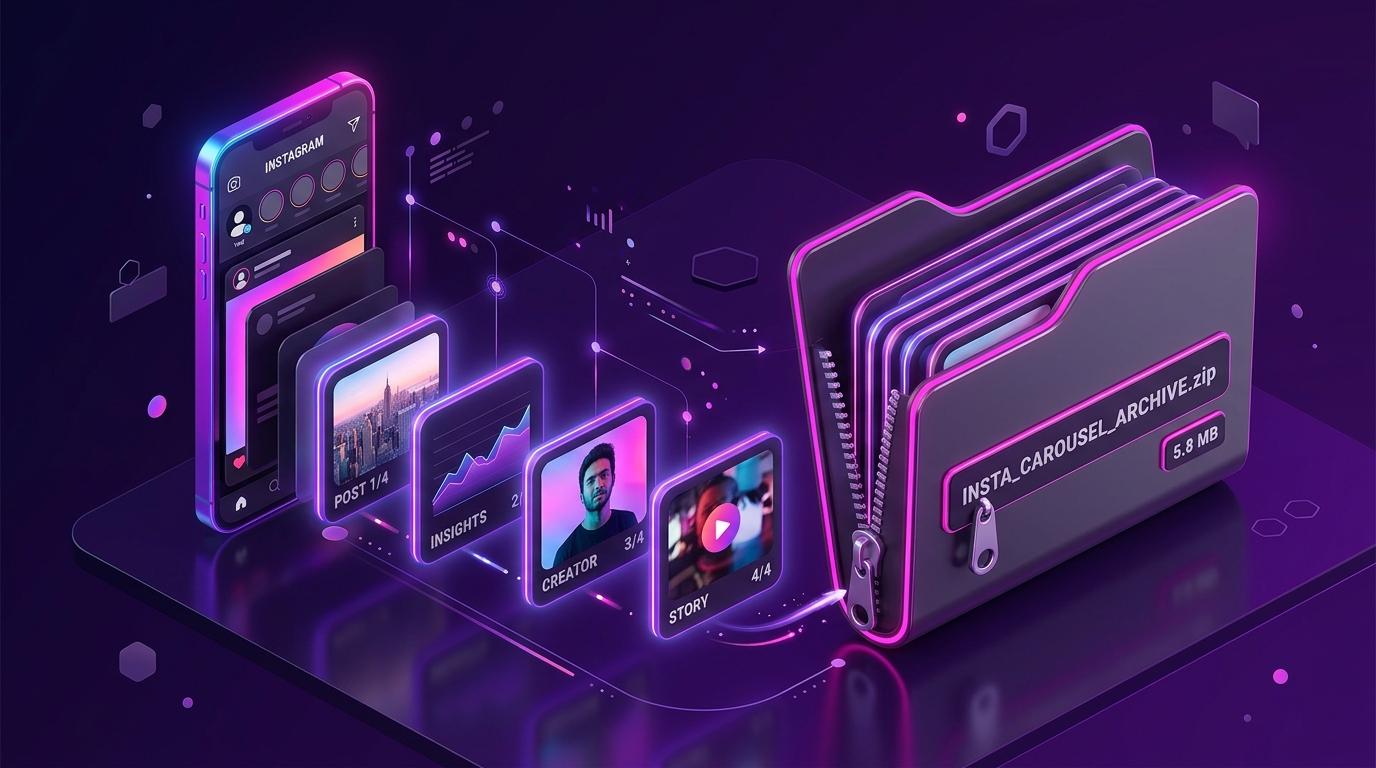
SnapVideo displays each photo and video slide from the Highlight album as an individual card, allowing you to choose and download the exact items you want.

Can I download Highlights from a private profile?

No. SnapVideo only works with publicly accessible Instagram profiles. Highlights on private accounts cannot be viewed or downloaded.

Can I download the Highlight cover image?

Yes. If the creator has uploaded a custom cover image for the Highlight album, SnapVideo extracts the cover alongside the story slides.

Why did a Highlight link fail to load?

Highlight links usually fail if the creator has removed the album, made their profile private, or deleted the specific slide. Make sure the Highlight opens in an incognito window without logging in.

Is SnapVideo free to use for Highlights?

Yes, SnapVideo is free to use with no subscription or account required.

Instagram download guides