





Instagram Photo Downloader

Save photos and multi-image carousel albums from public Instagram posts directly to your phone or computer.

Free · Single photos & ZIP albums · No app required

Save High-Resolution Instagram Photos & Carousels

SnapVideo Instagram Photo Downloader lets you save individual pictures and multi-slide carousel albums directly from public posts. Instead of taking screenshots that crop edges and lower clarity, you can download the clean JPEG image in the highest resolution Instagram provides.

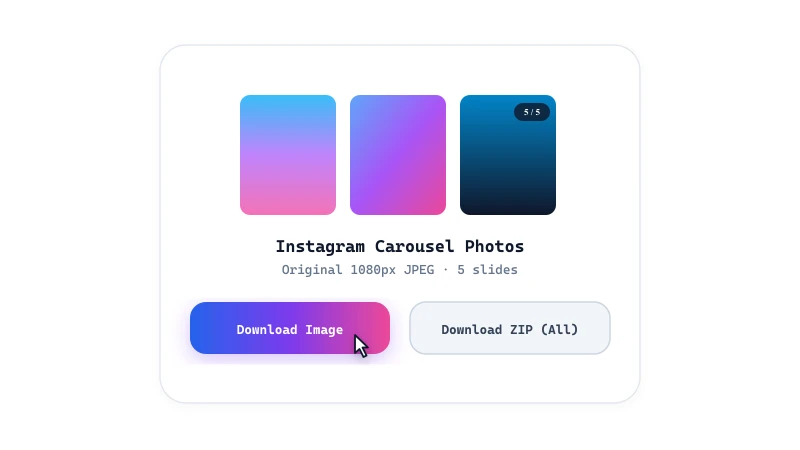
Paste any public photo link above to download images one by one or bundle entire albums into a single ZIP file.

How to Download Instagram Photos

Save public Instagram photos to your phone or PC in three easy steps:
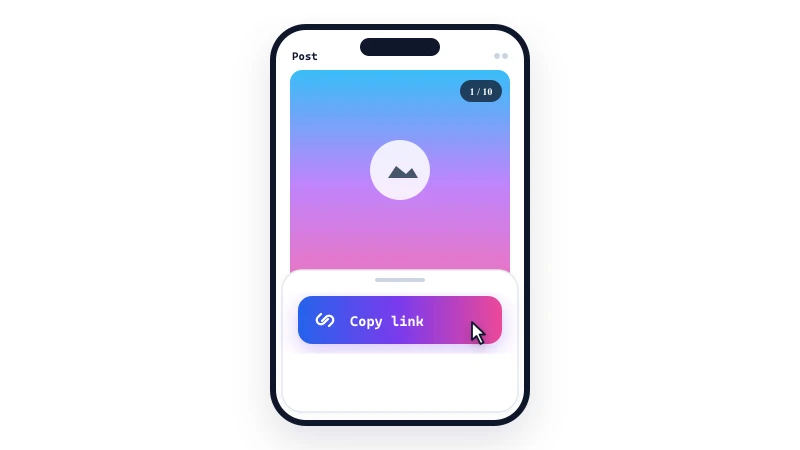
Copy the photo link
1

Copy the photo link

Open Instagram, find the photo or carousel post you want to save, tap the Share icon, and select 'Copy link'.
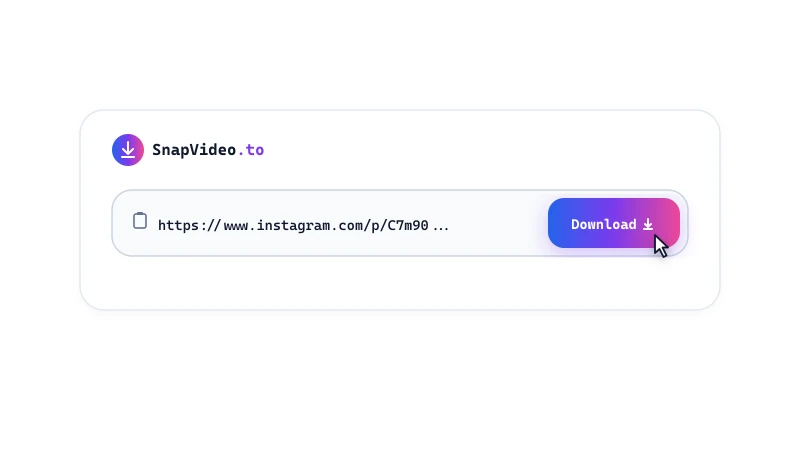
Paste into SnapVideo
2

Paste into SnapVideo

Open SnapVideo in your browser, paste the photo URL into the input field above, and click Download.
Save your photo or ZIP
3

Save your photo or ZIP

Review the image previews and click 'Download image' for single photos, or click 'Download ZIP' to save all slides at once.

Photo Downloader Features

  • Highest available resolution: Extracts photos at the maximum resolution provided by Instagram (up to 1080px width) without taking screenshots.
  • Full carousel support: Unpacks multi-image albums into individual preview cards so you can choose which slides to keep.
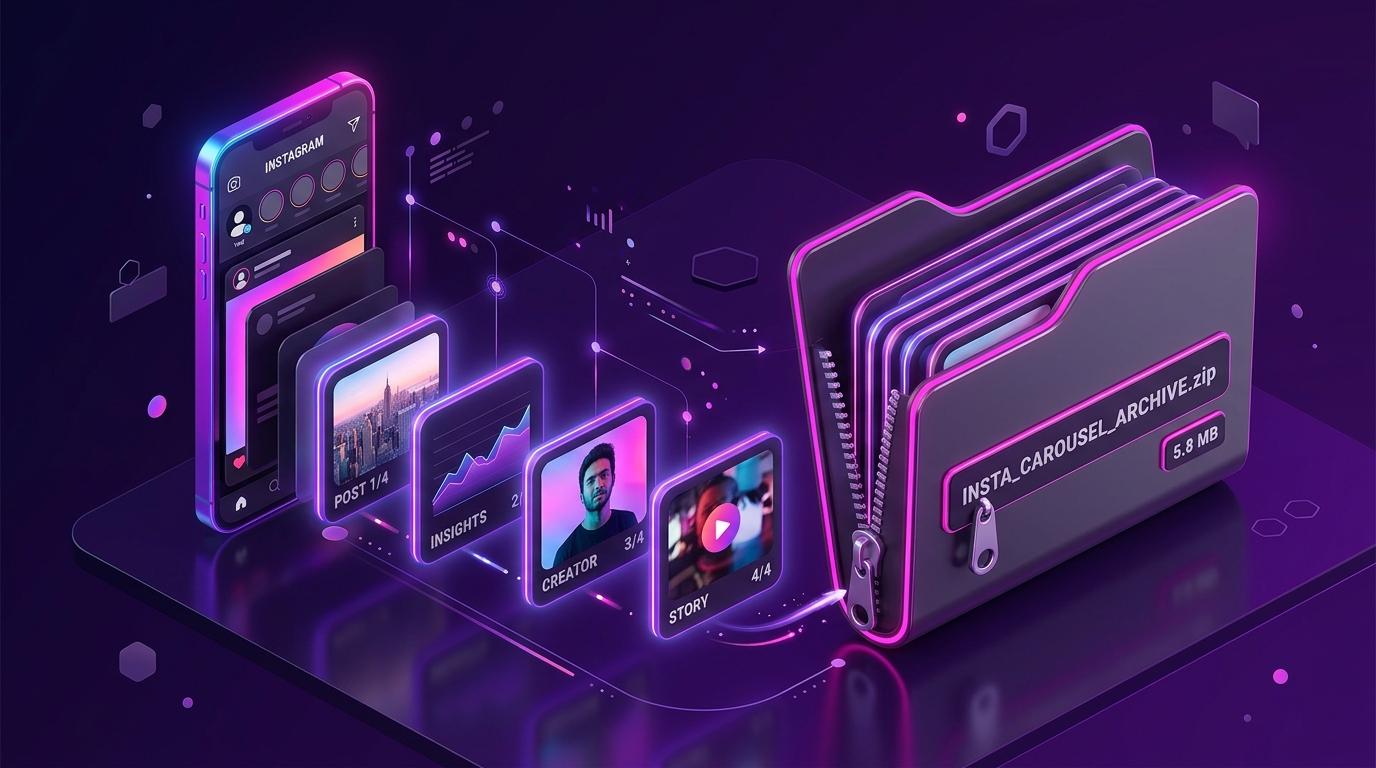
  • 1-click ZIP packaging: Save all photos from a carousel album in a single ZIP file, supporting up to 20 images per post.

Supported photo dimensions

Instagram serves photos in three main aspect ratios: Square (1080x1080), Portrait (1080x1350), and Landscape (1080x566).

SnapVideo retrieves the highest-resolution version available from Instagram's servers for your chosen post, keeping image details crisp for personal offline viewing.

Frequently Asked Questions

What is the maximum resolution of downloaded photos?

Instagram caps image uploads at 1080 pixels in width. Depending on the post orientation, the image resolution will be up to 1080x1080 (square), 1080x1350 (portrait), or 1080x566 (landscape). SnapVideo delivers the highest resolution available on Instagram.
How do I open a downloaded ZIP file on my phone?

On iPhone, open the Files app, tap the downloaded ZIP in your Downloads folder, and iOS will automatically extract it into a folder. On Android, tap the ZIP file in Files or My Files and select 'Extract'.

Can I download photos from a private Instagram account?

No. SnapVideo only works with publicly accessible Instagram posts. Photos from private accounts cannot be accessed or downloaded with this tool.

Does Instagram notify the creator when I download a photo?

No. Instagram does not notify creators when you download a public photo, and SnapVideo does not connect to your Instagram profile.

Is it legal to download photos from Instagram?

It depends on how you use them. Saving public photos for personal offline viewing or reference is generally low-risk, but copyright belongs to the original photographer or creator. Do not repost or use them commercially without permission.

Why are some carousel slides missing?

If a carousel contains a mix of images and videos, each item is shown in its respective format. If the creator has removed or restricted a particular slide, that specific item will not be available.

Instagram download guides