

















Bulk Instagram Downloader

Download multiple Instagram videos, Reels, and photos together. Paste up to five public links to process them in a single batch.

0 of 5 links entered

Save Multiple Instagram Links in One Batch

Copying and downloading Instagram links one by one can be slow when you have multiple posts to save. SnapVideo Bulk Instagram Downloader lets you queue up to five public links and process them together.

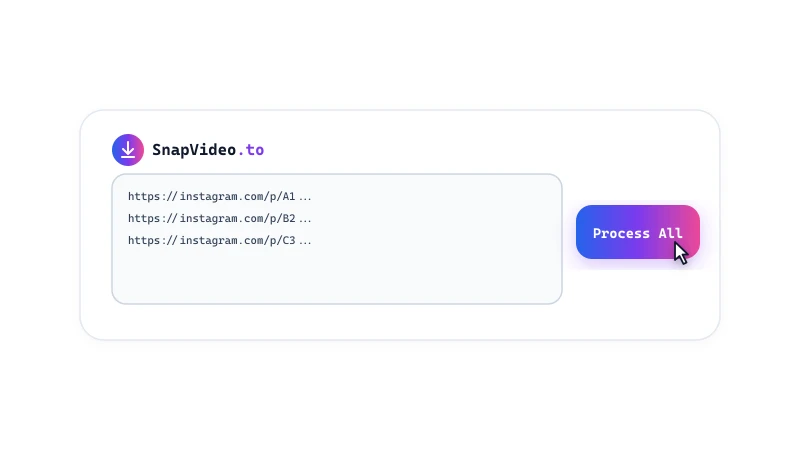
You can mix Reels, feed videos, photos, and carousels in the same batch. Paste your links into the box above - one per line - and download your media files in a unified list.
How to Download Multiple Instagram Posts

Save up to five Instagram links in three simple steps:
Copy your Instagram URLs
1

Copy your Instagram URLs

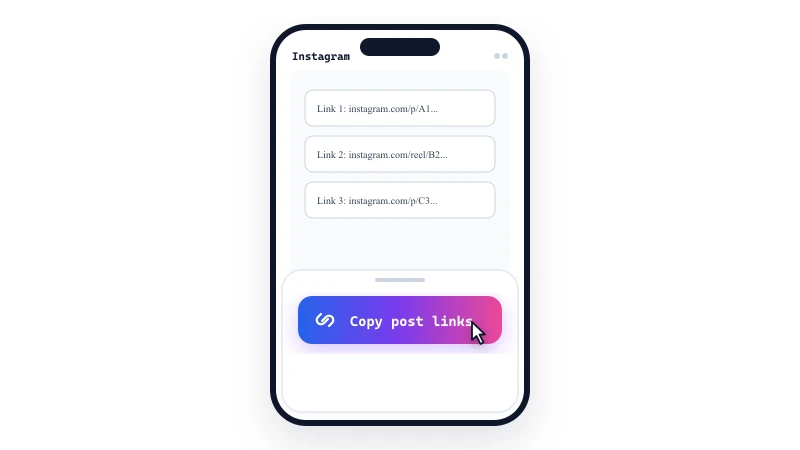
Browse Instagram and copy the links for the posts, Reels, or photos you want to save (up to 5 links).
Paste one link per line
2

Paste one link per line

Paste the URLs into the multi-line input field above, putting each link on its own separate line, then click Download.
Save your media files
3

Save your media files

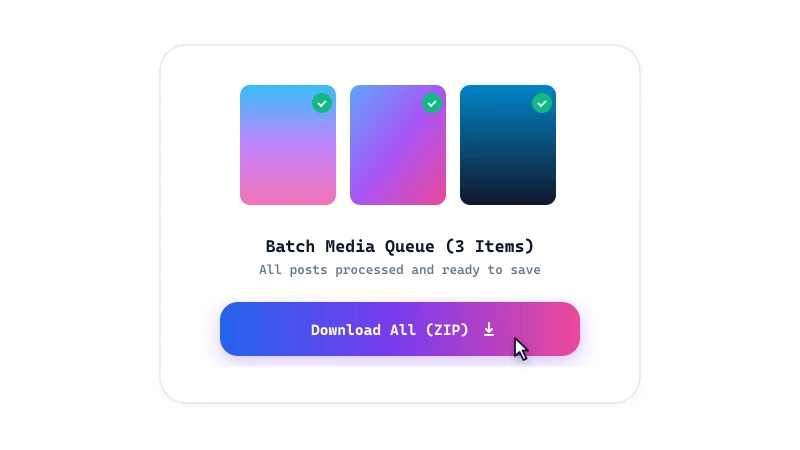
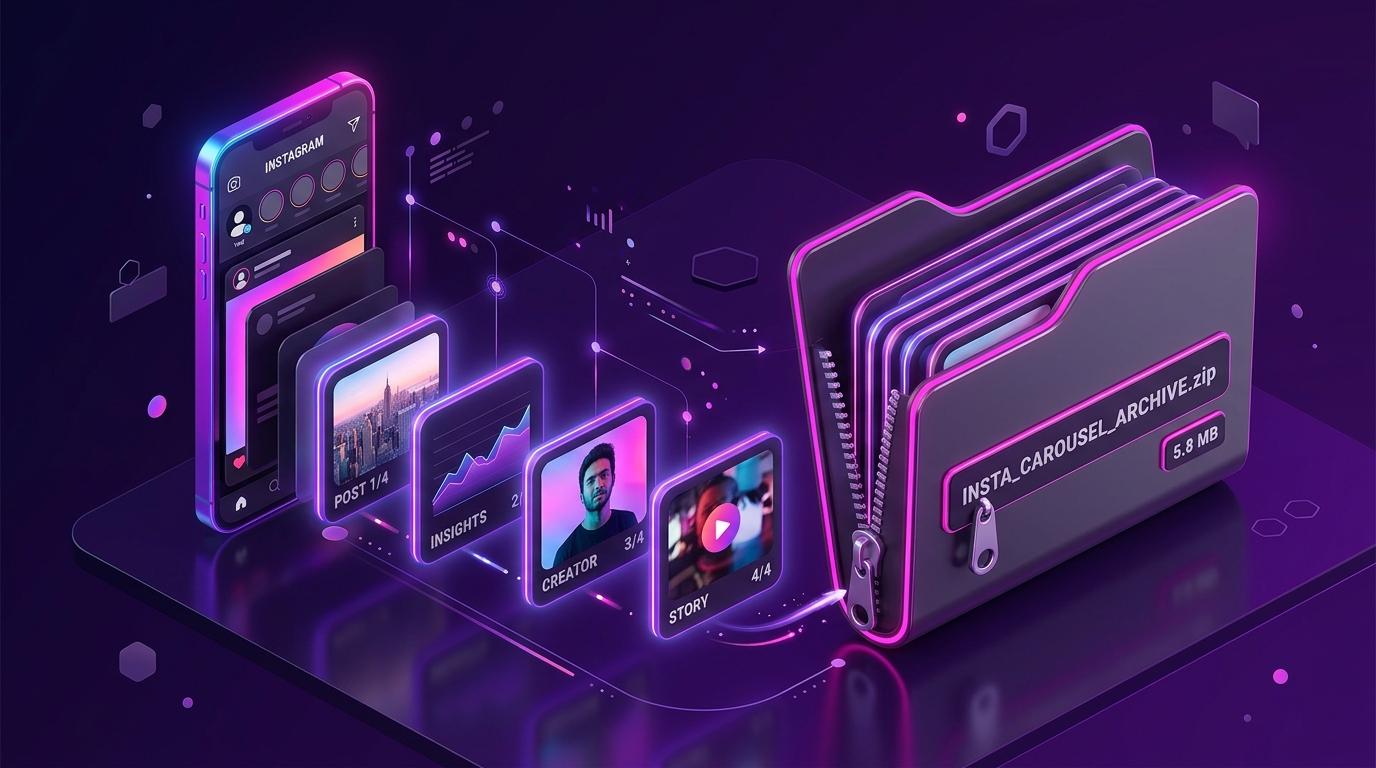
SnapVideo checks each link and displays the results. Download items individually or save available photos as a ZIP archive.

Batch Downloader Features

  • Up to 5 links per batch: Queue and process up to five separate public Instagram links in a single request.
  • Mixed content support: Combine Reels, feed videos, single photos, and carousel albums in the same batch queue.
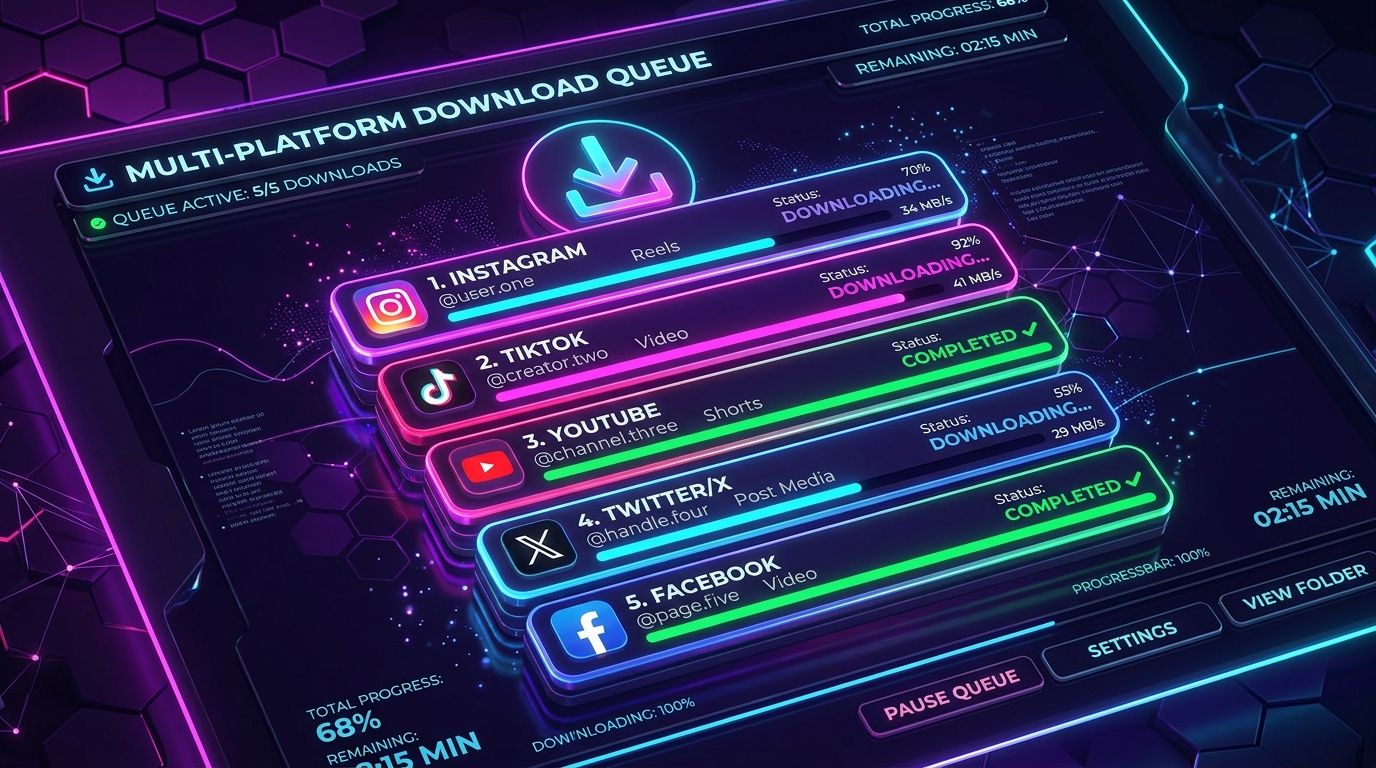
  • Link-by-link status: Clear status indicators show progress for each URL, highlighting any links that could not be reached.

Tips for smooth batch downloads

For the best results with batch processing:

• Paste one full URL per line.

• Make sure all links are from public profiles, as private posts cannot be fetched in bulk.

• If a link fails due to an expired Story or removed post, the remaining valid links in your batch will still finish normally.
Frequently Asked Questions

Can I mix different media types in one batch?

Yes. You can paste a Reel link, a feed video, a single photo, and a carousel album together in the same 5-link batch. SnapVideo extracts each post in its proper format.

How should I format the links in the box?

Paste one complete URL per line. For example: https://www.instagram.com/reel/abc123/ https://www.instagram.com/p/def456/

What happens if one link in my batch fails?

SnapVideo flags the failed URL with an error message while continuing to process the remaining valid links in your queue. You will not lose the rest of your batch.

Can I download more than 5 links?

Yes, once your current batch finishes, click 'Start another batch' to submit your next set of up to five links.

Do I need to install any software or extensions?

No. SnapVideo Bulk Downloader runs entirely in your web browser on mobile phones, tablets, and desktop computers.

What quality are batch downloads?

SnapVideo delivers the highest quality that Instagram provides for each post. Videos download in MP4 format (up to 1080p where available), and photos in their best available JPEG resolution.

Can I download private Instagram posts in bulk?

No. Bulk processing only works with publicly accessible Instagram links. Private posts cannot be processed through the batch downloader.

Instagram download guides