

















Instagram Video Downloader

Download public Instagram feed videos in MP4 format. Paste any video post URL to save it directly to your device.

Free · MP4 video with audio · No login required

Save Instagram Videos to Your Phone or PC

SnapVideo Instagram Video Downloader lets you save public Instagram feed videos and long-form clips directly to your device as standard MP4 files. Whether it is a cooking recipe, fitness workout, or informative interview, you can keep an offline copy without installing extra software.

Paste any public video link into the box above to get direct download options in the best available quality.

How to Download Instagram Videos

Save any public video post to your phone or computer in three quick steps:
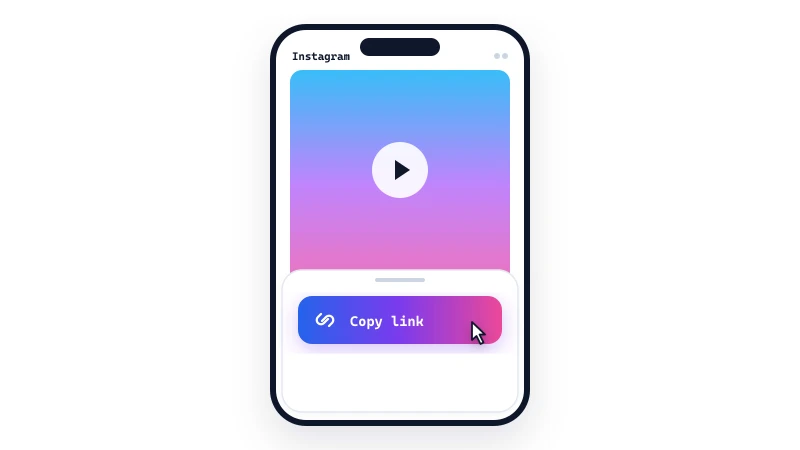
Copy the video link
1

Copy the video link

Open Instagram, find the video post you want to save, tap the Share icon (paper airplane), and select 'Copy link'.
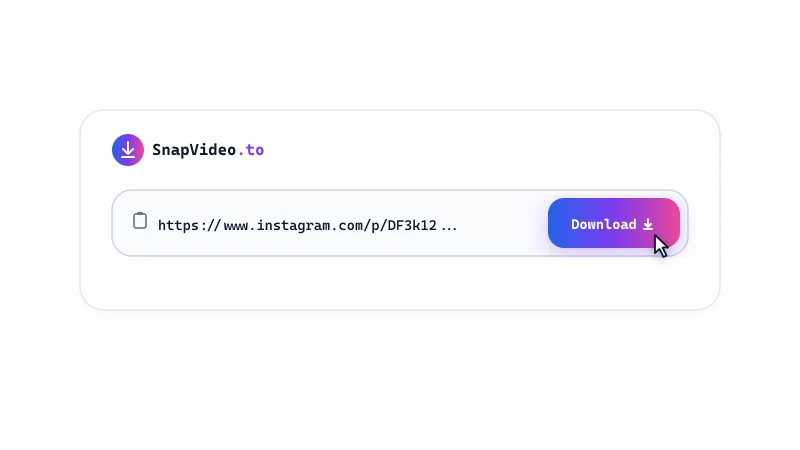
Paste into SnapVideo
2

Paste into SnapVideo

Open SnapVideo in your browser, paste the video link into the input box above, and click Download.
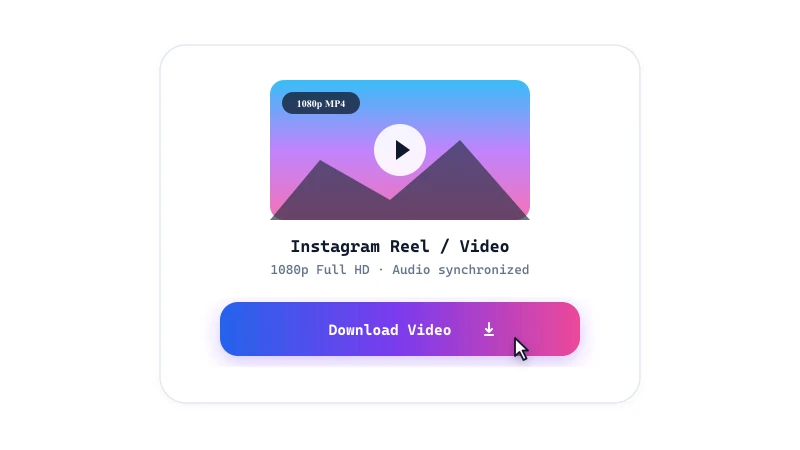
Save your MP4 video
3

Save your MP4 video

Review the video preview card and click 'Download video' to save the MP4 file directly to your device.

Video Downloader Features

  • Standard MP4 format: Videos are saved in MP4 format with synchronized audio, making them easy to play on any phone, tablet, or computer.
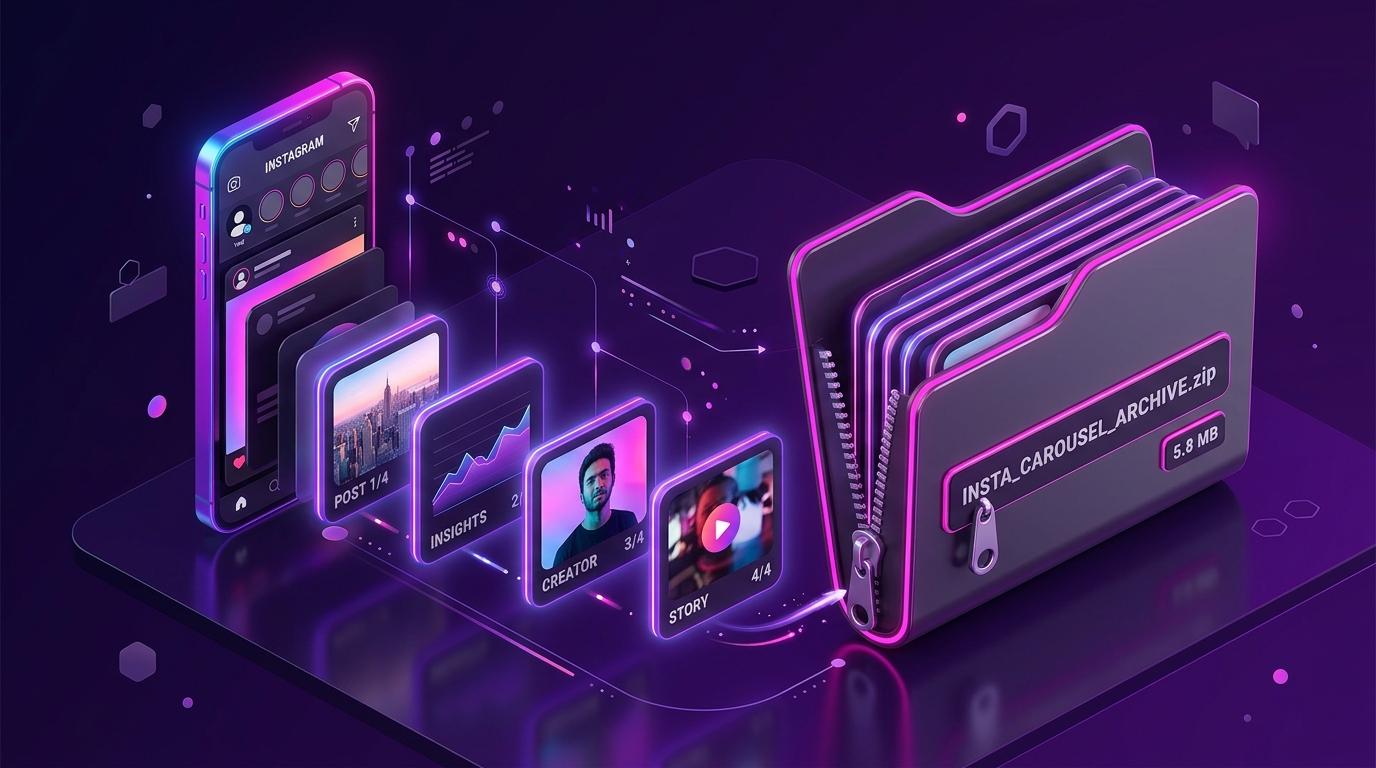
  • Carousel video support: If a post contains multiple video slides, SnapVideo lets you preview and download each video clip individually.
  • No extra compression: SnapVideo delivers the video stream provided by Instagram without re-encoding or adding watermarks.

Finding your downloaded video

On Android and desktop, downloaded MP4 files save directly to your default Downloads folder and appear in your gallery app.

On iPhone and iPad, Safari places the file in the Files app under Downloads. Tap Share then Save Video to move it to your Photos library.

Frequently Asked Questions

Why does my downloaded video have no sound?

Some Instagram videos are uploaded without audio, or the music track may be restricted in certain regions. If the video plays with audio on Instagram, SnapVideo will include the original sound in your download.
Can I download Instagram videos in 4K?

No, because Instagram does not store feed videos in 4K resolution. The platform caps video uploads at 1080p. SnapVideo provides the highest resolution available from Instagram without fake upscaling.

Is there a limit on video length?

No strict duration limit applies to public posts. SnapVideo can process standard short feed clips as well as longer IGTV-style videos, provided the post is public.

Can I download videos from a private account?

No. This tool only accesses publicly viewable Instagram posts. If an account is private, its media cannot be retrieved through the public downloader.

Does Instagram notify the creator when I download a video?

No. Instagram does not notify creators when their public videos are saved, and SnapVideo does not connect to your Instagram account.

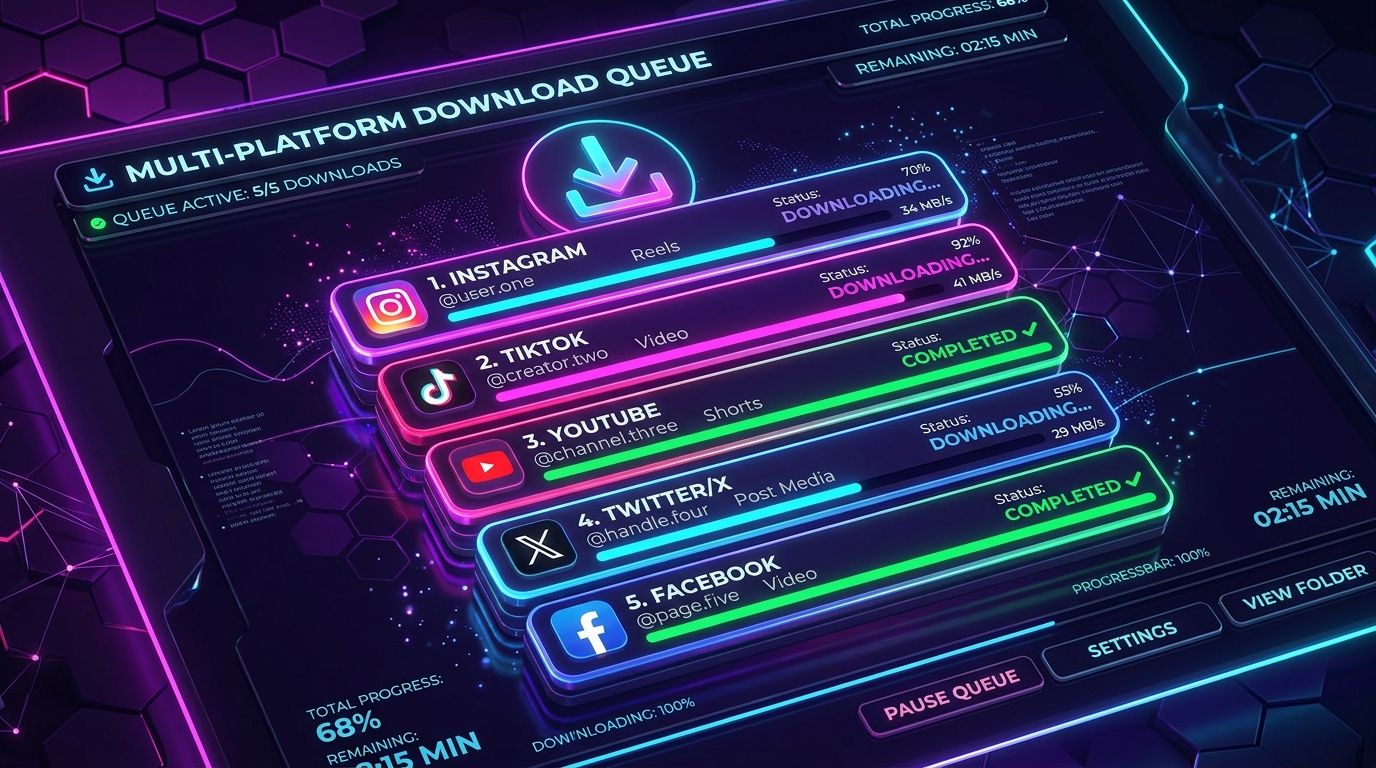
How do I download multiple videos at once?

You can paste up to five separate links simultaneously using our Instagram Bulk Downloader mode, which queues and processes them together.

Is it legal to download Instagram videos?

It depends on how you use the file. Saving public videos for personal offline viewing is generally low-risk, but copyright belongs to the creator. Do not re-upload, share, or use the video commercially without permission.

Instagram download guides