
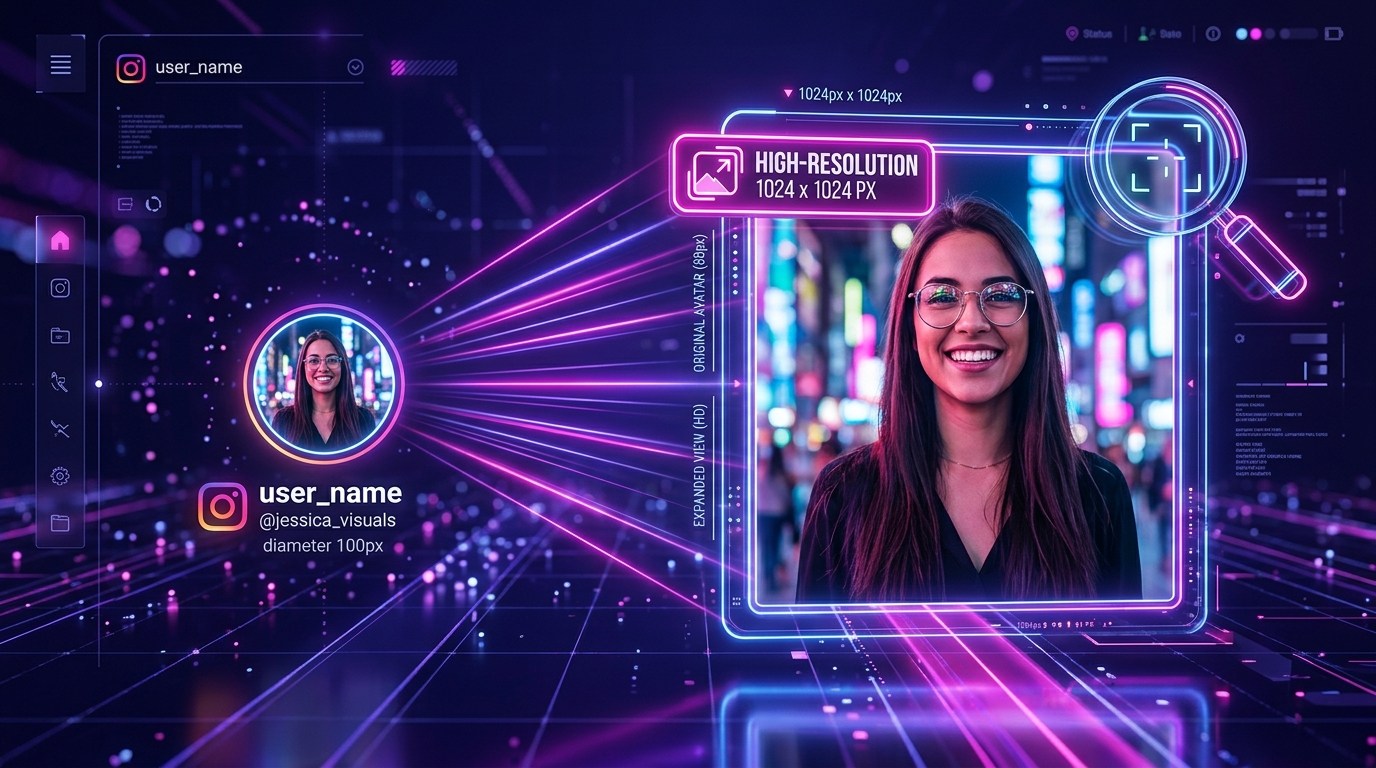
While the official Instagram app restricts profile photos to tiny 150-pixel circular thumbnails, Instagram stores the original uploaded square picture on its servers at resolutions up to 1080x1080 pixels. You can view and download the full-size uncropped avatar from any public username using a dedicated profile picture downloader. No account login or app installation is required.
Whether you want to verify someone's identity before accepting a message request, inspect the fine details of a photographer's portrait, or recover your own original avatar photo that you lost from your camera roll, enlarging the thumbnail gives you the full, uncropped picture.
[ẢNH: Visual comparison showing a tiny 150px circular mobile avatar thumbnail expanding into a full-resolution 1080x1080 square JPEG photograph]
Why does Instagram prevent users from zooming into profile pictures?
When browsing Instagram on an iPhone or Android phone, tapping on an account's circular avatar simply does nothing or opens their active Story tray. Unlike platforms like WhatsApp or Telegram, Instagram does not provide a native zoom gesture for profile pictures.
Instagram chose this design for several technical and product reasons:
- Bandwidth and Performance Optimization: To keep profile pages loading instantly over 4G and 5G cellular connections, the Instagram app only requests a small downsampled thumbnail (typically 56x56 pixels in comments and 150x150 pixels on profile headers). Serving full-resolution files to millions of feed impressions would dramatically increase data consumption.
- Interface Simplicity: The circular mask is a signature aesthetic of Instagram's UI design, standardizing how avatars look across feeds, direct messages, and comment threads.
- Anti-Scraping Friction: While profile pictures are technically public data, restricting mobile zoom adds minor friction that discourages mass impersonation and casual image harvesting.
However, behind that circular CSS crop, the complete master photograph remains stored on Instagram's server infrastructure.
How does SnapVideo retrieve the original full-size avatar?
When an Instagram user updates their profile picture, Instagram's media processing pipeline creates multiple resolution renditions:
s150x150: The standard circular mobile thumbnail.s320x320: A medium-sized preview used on desktop web interfaces.s1080x1080: The uncropped master square image stored at maximum JPEG clarity.
Our Instagram Profile Picture Downloader queries Instagram's public profile data graph using the username you provide. Instead of scraping the low-resolution 150px thumbnail displayed in the DOM, our parser locates the high-definition master asset URL, strips the circular CSS mask, and renders the complete, uncompressed square image ready for inspection.
[ẢNH: Technical diagram illustrating Instagram's image asset tiers: thumbnail 150x150, web 320x320, and master CDN asset 1080x1080]
How do you view and save a full-size profile picture in three steps?
Finding and downloading an avatar photo takes only a few seconds:
- Get the Username or Profile URL:
- Note the account's handle (such as
natgeoor@natgeo). - Or copy their complete profile link from your browser address bar:
https://www.instagram.com/username/.
- Note the account's handle (such as
- Submit to SnapVideo: Open SnapVideo Profile Picture Saver, paste the username or profile link into the input field above, and click Download.
- Preview and Save: SnapVideo resolves the public user profile and displays the enlarged square photograph on your screen. Click Download image to save the JPEG directly to your phone or computer.
If you are using an iPhone and want to move the photo into your native Camera Roll, follow our step-by-step tutorial on how to save Instagram videos to iPhone Camera Roll.
Can you view the profile picture of a private Instagram account?
Yes. On Instagram, an account's profile photo is always publicly accessible, regardless of whether the profile's privacy setting is set to Public or Private.
Even if an account has its posts, Reels, and Stories locked behind follower approval:
- The username, bio, follower count, and profile picture remain open public metadata.
- Instagram's servers serve the profile avatar through public CDN nodes so that potential followers can identify the user before sending a follow request.
- SnapVideo can look up and enlarge the profile photo of any valid private account handle.
However, keep in mind that our public tools cannot access the private posts, feed videos, or private Stories behind that locked profile. If you want to download general public photography, check out our Instagram Photo Downloader.
[ẢNH: Screenshot demonstrating profile picture lookup on a private profile, showing the full-resolution avatar preview]
How can full-size avatar inspection help you spot impersonator accounts?
Enlarging profile pictures is one of the most effective methods for identifying bot accounts, cloned profiles, and impersonator scams:
- Spotting Cloned Company Logos: Scammers frequently create fake customer support accounts or financial giveaways by screenshotting an official brand's circular profile icon. When you view these cloned avatars at full 1080x1080 resolution, they appear blurry, pixelated, and display jagged compression artifacts around the logo edges. Real brands upload clean, vector-rendered master assets that remain razor-sharp at full zoom.
- Detecting Stolen Model Photos: Impersonator accounts often steal photography from models or influencers. Inspecting the full uncropped image reveals subtle details—such as cropped watermarks, mirrored backgrounds, or low-resolution scaling—that are completely invisible inside a tiny 56px mobile comment circle.
- Verifying Badges and Text: Many fraudulent profiles paste a fake blue checkmark badge onto the corner of their profile photo to trick mobile users who glance quickly. Viewing the photo at 1080px immediately reveals whether the checkmark is a painted graphic overlay rather than Instagram's genuine verification badge.
Why do some enlarged profile pictures still appear soft or pixelated?
When you enlarge a profile picture through SnapVideo, the final visual sharpness depends entirely on the original image file that the user uploaded:
- Older Accounts: If a user uploaded their profile picture in 2014 using an older smartphone camera, Instagram only has that lower-resolution file on record. Downloader tools can only fetch the best file that exists on the server; they cannot magically recreate missing lens details.
- Heavily Cropped Images: If the user took a group selfie and zoomed in tightly to crop out a tiny section of their face before uploading, the source file was already low-pixel before reaching Instagram.
- High-Resolution Modern Uploads: Accounts that uploaded professional portraits shot on modern DSLRs or high-end smartphones will render with crisp 1080x1080 resolution, showing fine hair strands, text logos, and sharp facial expressions.
If you are curious about how compression algorithms affect other media types across Instagram, read our breakdown on why downloaded Instagram videos look blurry.
Frequently Asked Questions
Do I need to include the @ symbol when searching for a username?
No. You can type the handle with or without the @ symbol (such as cristiano or @cristiano). You can also paste the full profile URL (e.g., https://www.instagram.com/cristiano/); SnapVideo parses the username automatically.
Does the user receive an alert when I view or download their profile picture?
No. Instagram does not notify users when someone inspects or saves their profile picture, and SnapVideo does not connect to your personal Instagram account.
What is the maximum resolution for an Instagram profile picture?
The maximum dimensions Instagram supports for profile pictures is 1080x1080 pixels in square (1:1) format.
Is it legal to download someone's profile picture?
Saving a public profile photo for personal identification or offline reference is generally permissible. However, you must not use someone else's photo to impersonate them, create fake profiles, or violate their personal privacy rights.